The evolution
See it live on dynamicmockups.com (opens in a new tab)
- Timeline
- Aug – Sep 2026
- Shipped
- Handed over on Thu 17 Sep 2026, live on dynamicmockups.com the week after
- Team
- Our CEO, the growth lead and sales, and the engineers who put it on the live site.
01What the page had to say
Not a new look. What the page says, and in what order.
The brand was new from August. In September the work was the content: what a visitor sees first, and what they take away from it.
Read whyFold it away
Our greatest value had to be the first thing people see: Stitch, layouts and lookbooks with everything else.
The person who comes here, who are they? An enterprise, or a small shop with its own printer at home, in the pantry, in the garage. Either way it's one person deciding where the business goes, and even when someone sends them, they come to the site first to see what it is. They don't have time to read every feature.
Everything under the composer is planned from that visitor down.
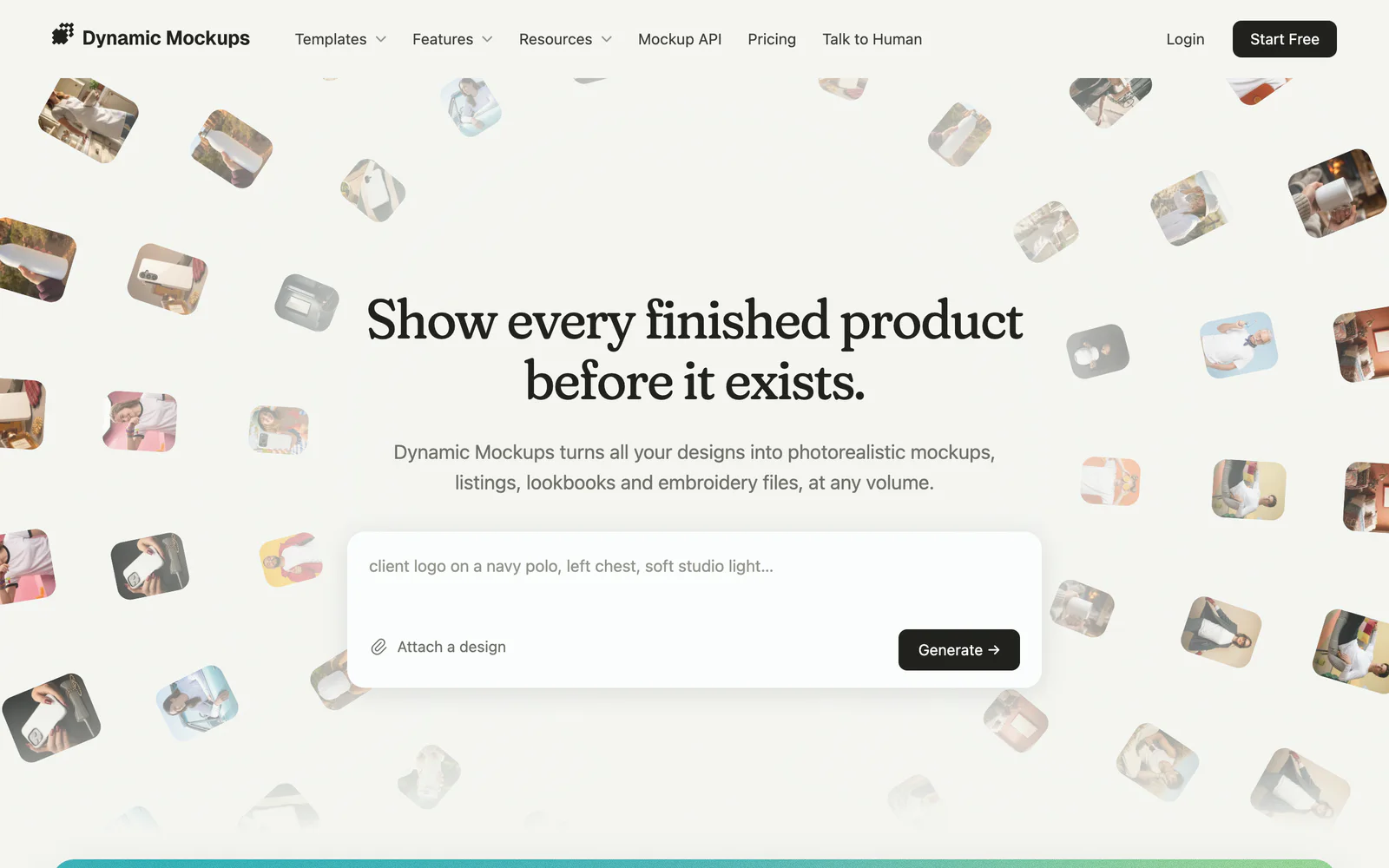
- The composer first, as we'd all agreed
- 01
The hero and its composer, kept.
Describe the mockup, attach a design, and it goes with you into the app
- 02
The evolution: one design, five jobs, changed.
Everything the product does, right under the hero
- 03
Automate: integrations, the API and MCP, changed.
All five jobs, inside your own store, app or assistant
- 04
Who runs on it: three kinds of business, changed.
Print shops, print-on-demand sellers and promo teams, each with their card
- 05
Trusted by, with the reviews, changed.
One figure, the businesses, and what they say
- 06
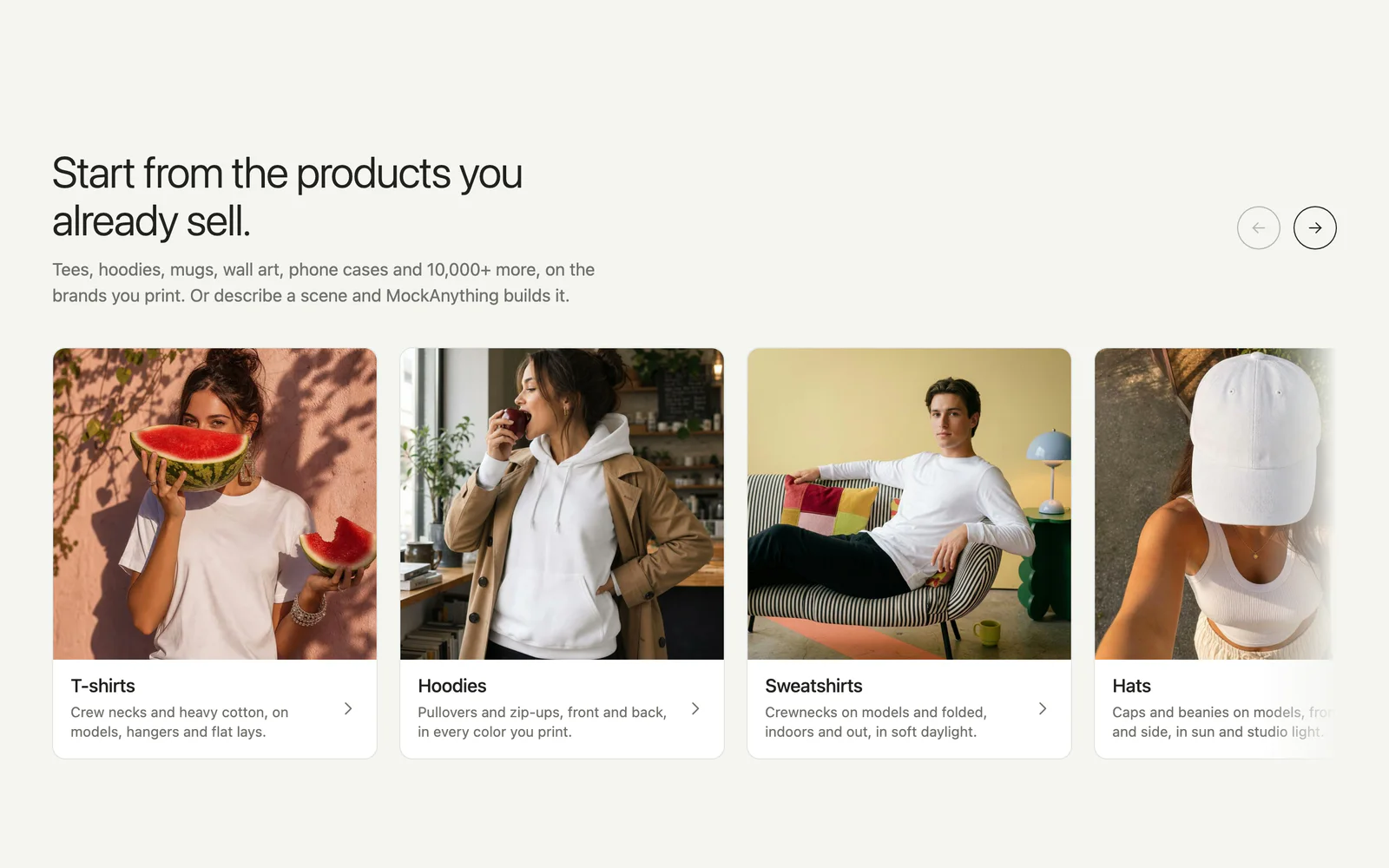
Templates, by product, changed.
Start from the products you already sell
- 07
Questions, kept.
Short answers, and there for search too
- 08
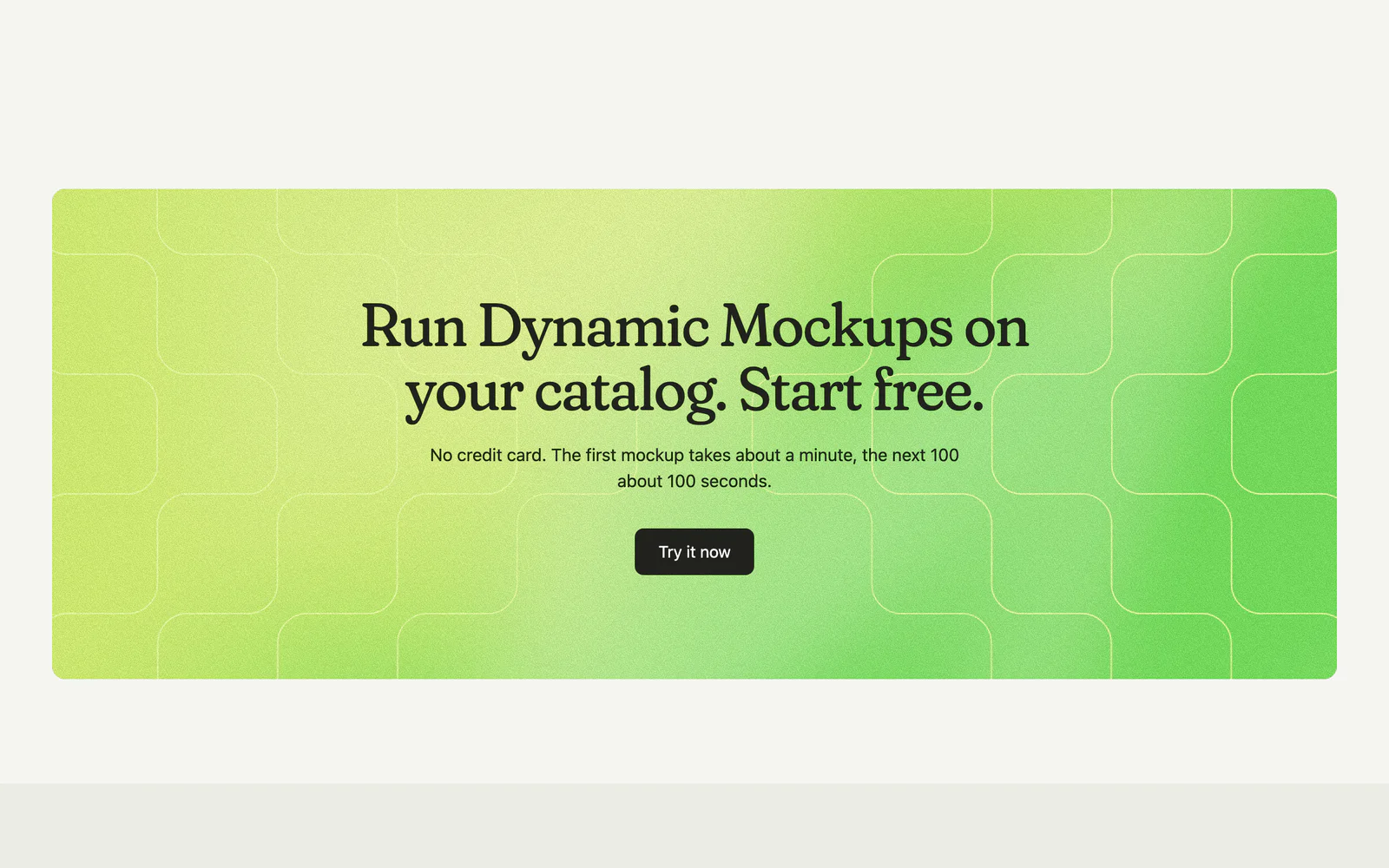
Start free, kept.
The page closes on the call to start
what I changedwhat I kept
02One design, five jobs
Follow one design into everything you sell.
At our kickoff, the growth lead brought a chain: artwork, mockup, many mockups, lookbook, social, video. I started it from the visitor's own design and made it the story the page is built on.
Read whyFold it away
I proposed it as the first thing after the hero, because it's the core: not design, but the evolution of your idea.
It didn't start as wireframes. I drew it as a flowchart that travelled, with arrows from one step to the next, and the first version was nine steps in a row. Then our CEO pushed back, and rightly: the purpose of showing is selling, and automation isn't a step, it's the frame around all of it. Scroll is what makes something read as the step that comes after.
I made it universal rather than a page per business: showing a lookbook to someone who doesn't need one yet isn't a problem.
For every design and product. Five jobs done.
Mockups, listings, posts, lookbooks and embroidery files, for every design and product you sell, in minutes.
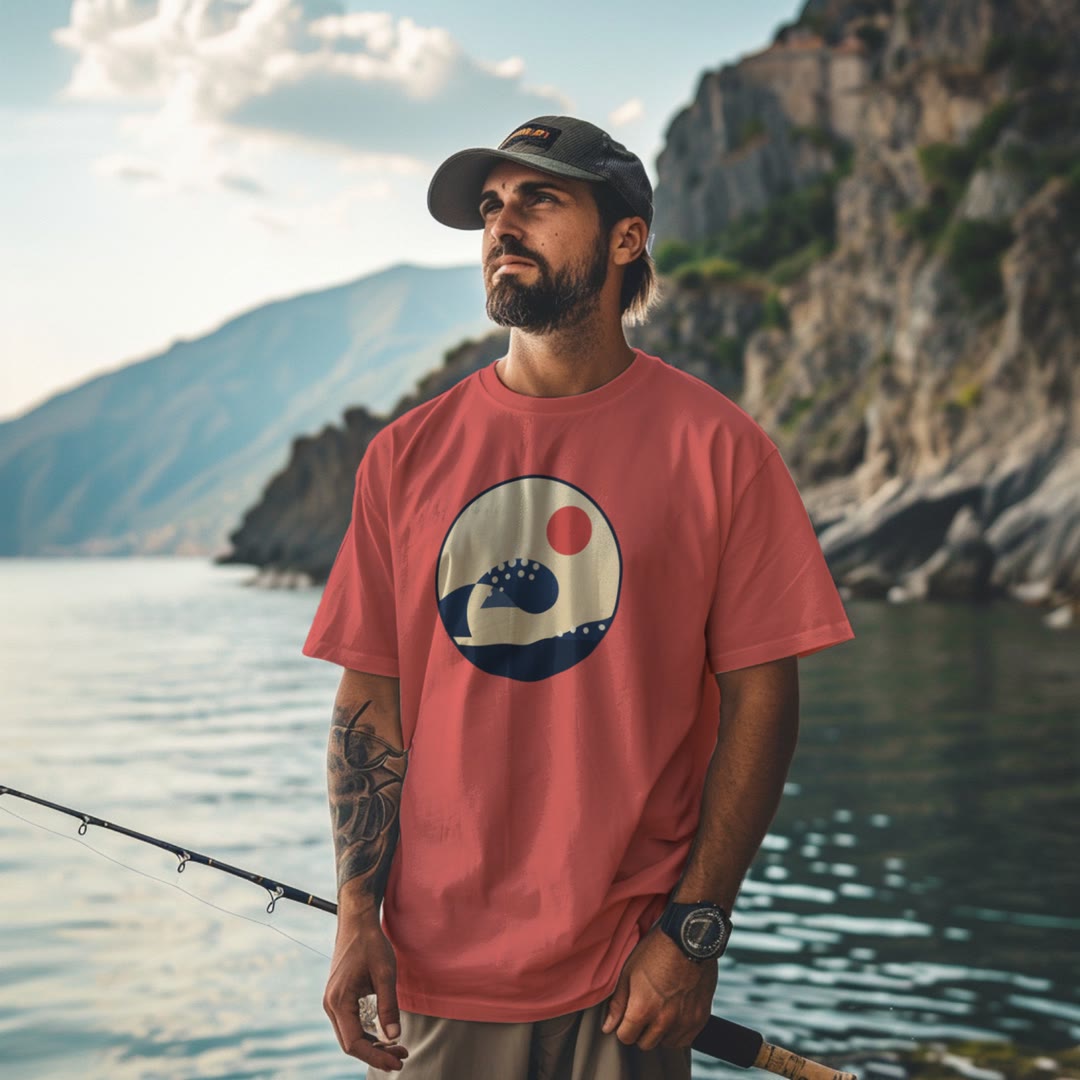
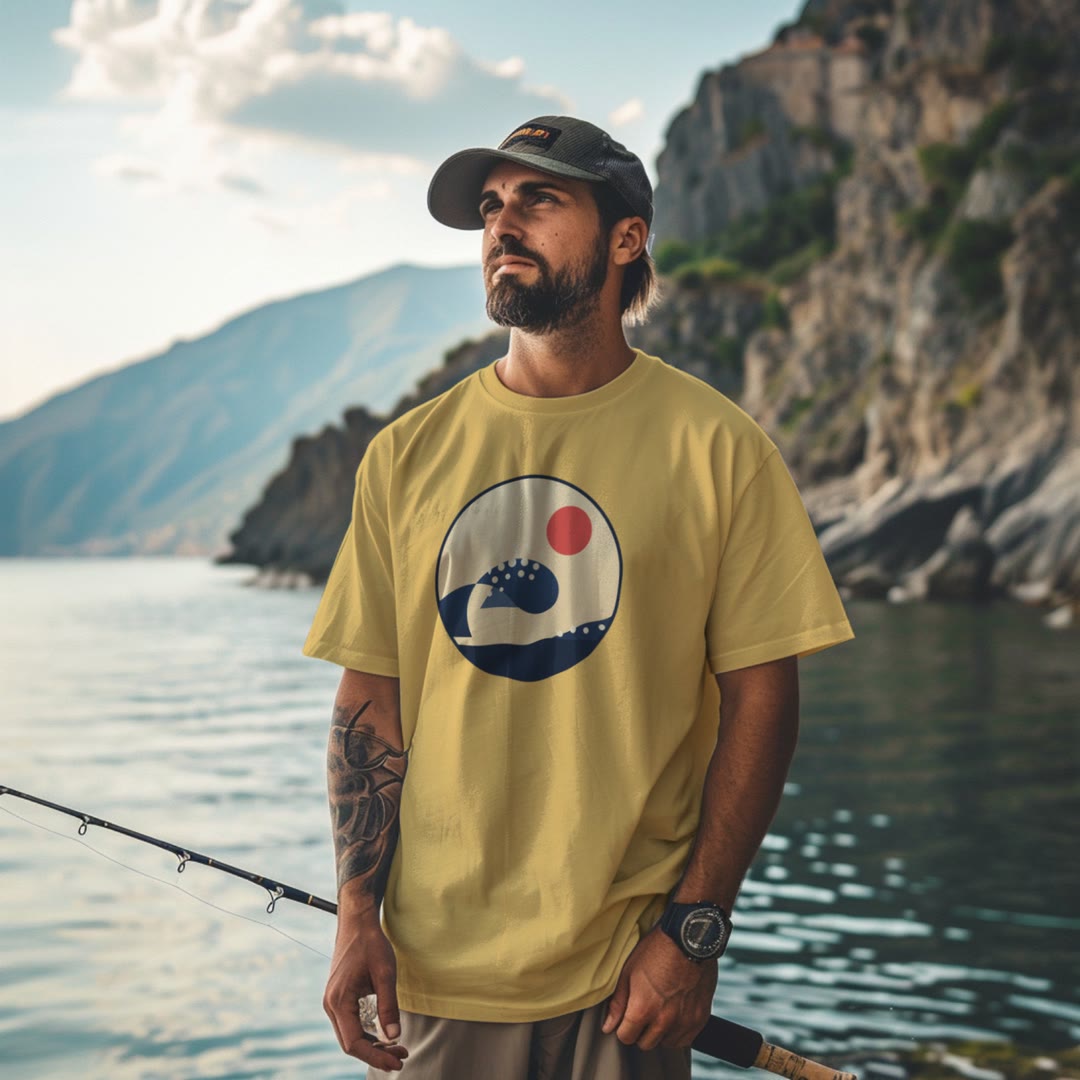
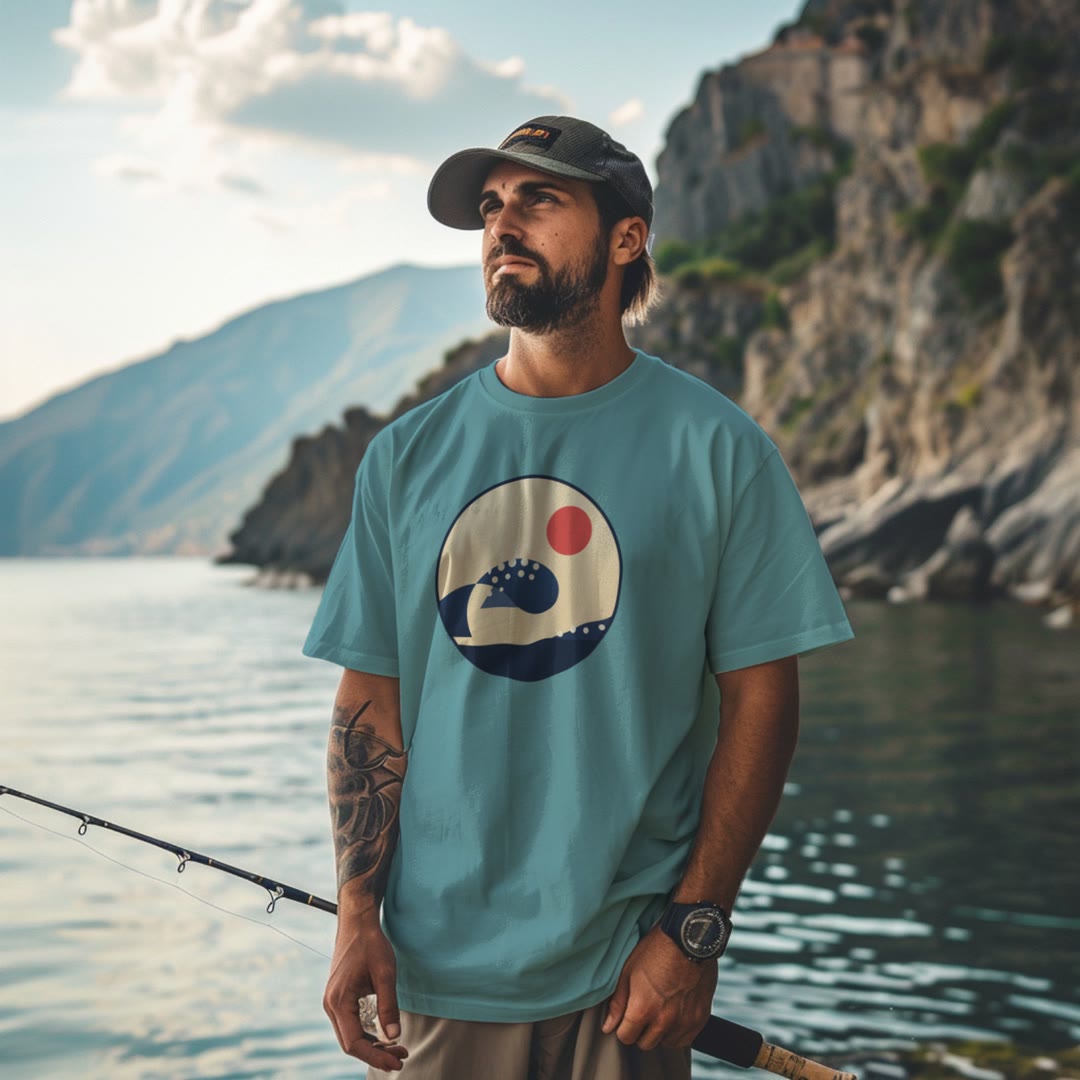
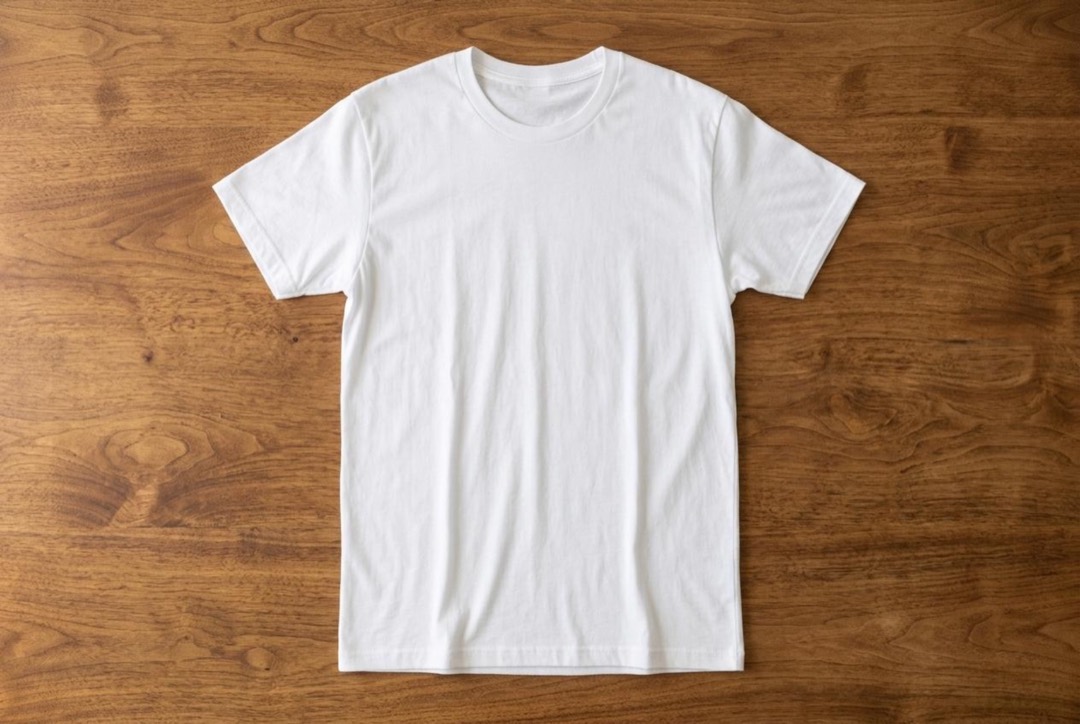
Describe it. Get many products at once.
One prompt, as many manufacturable products and colors as you pick. MockAnything returns the set at once, about a second each.
The first proof Three tees, every color, before the customer hangs up.


List the whole catalog in one run.
Batch puts all your designs on every product and color you sell, about 100 mockups in 100 seconds, straight into Etsy or Shopify.
Your storefront Every listing live before the first order is printed.

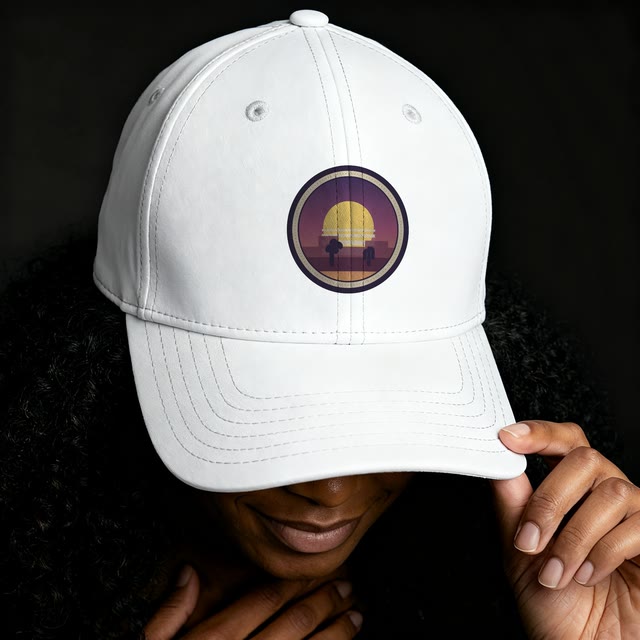
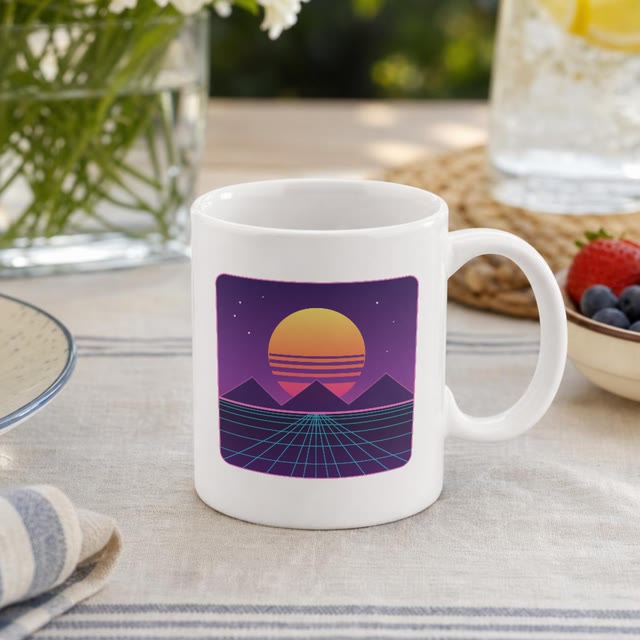
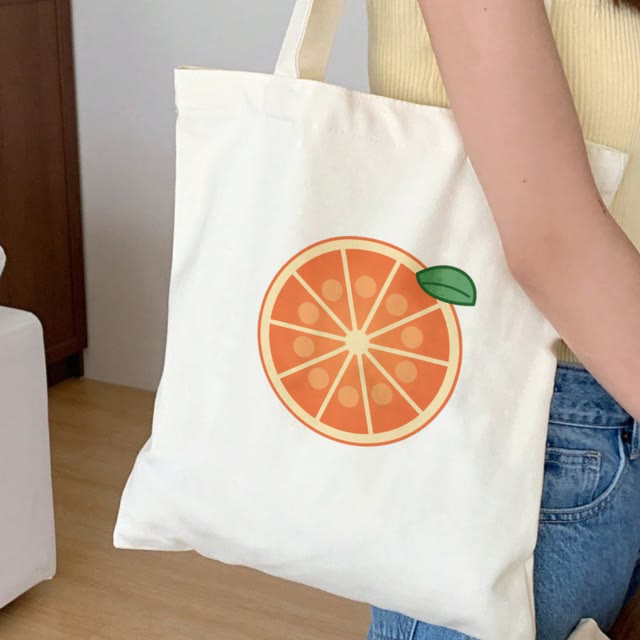
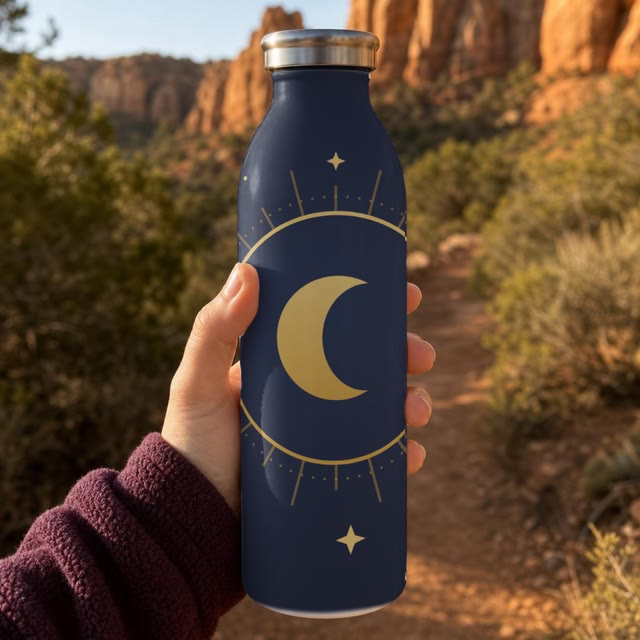
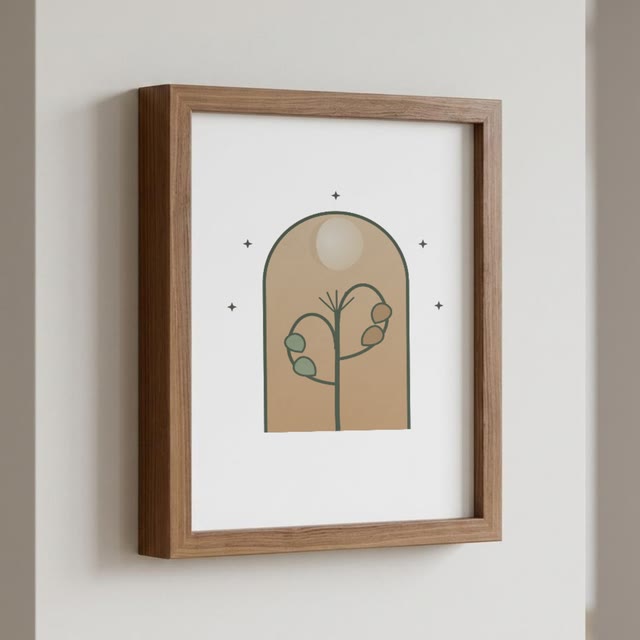
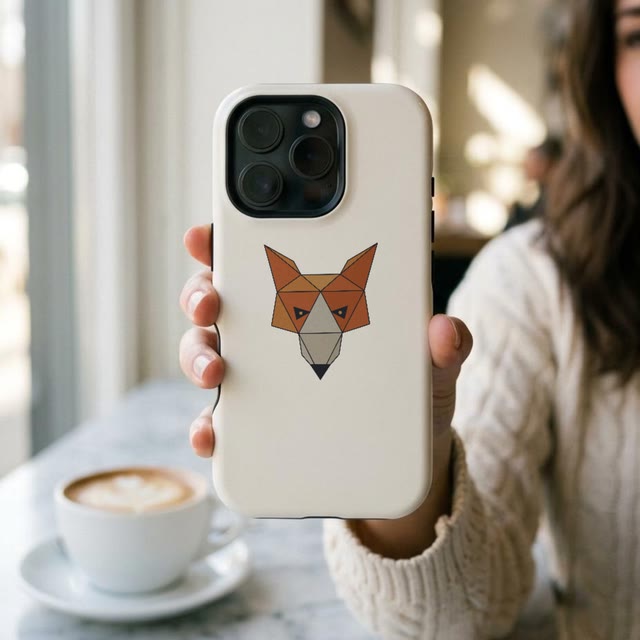
Hundreds of mockups, for every channel.
Layouts turns hundreds of mockups into posts, stories, pins and ads, each at the channel's exact size, in one download.
Every channel 32 sizes per mockup, one download. Motion Mockups adds the video.
Their logo on your products. One link.
Lookbooks put each client's logo on the products they asked about, gathered in one link or PDF, and tell you when they open it.
Every pitch Share one link. Opened, quoted, without a designer in the loop.
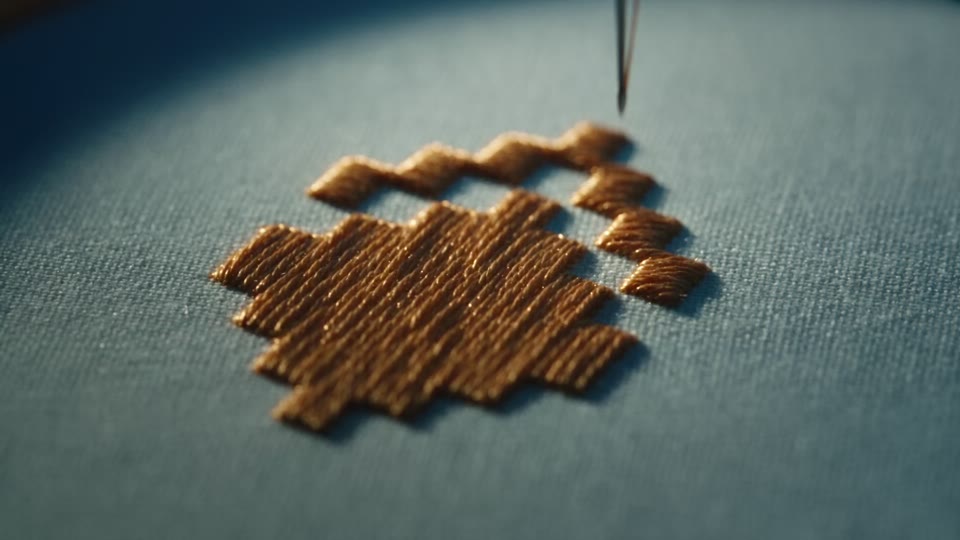
Say yes to every embroidery order.
Stitch AI plans the stitches like a digitizer and gives you the embroidered mockup, the DST machine file and the production sheet.
Before you order The stitch count to quote every job from, and a file you keep.
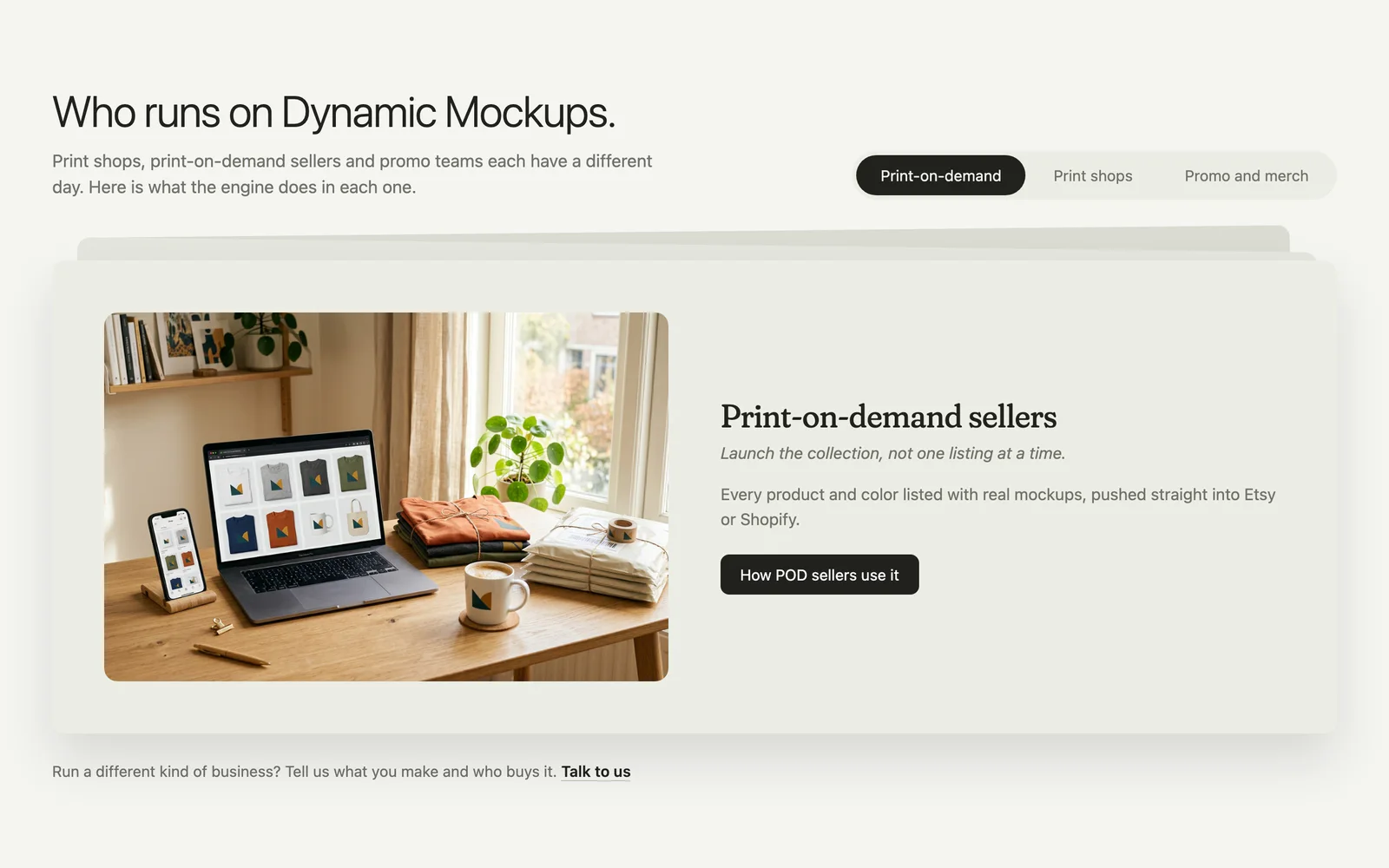
- Each kind of business gets its own card
03Pieces of interface, not images
Every job shows a piece of the product at work.
The design isn't uploaded, it's added onto the tee, and the card becomes the mockup.
Read whyFold it away
Stitch actually sews on screen. Inside a screen, body text is drawn as bars and only titles, chips and buttons carry words, so nothing on it competes with the copy beside it.
In MockAnything, a drop zone made it look as if everything was born from an upload, and it isn't quite like that. So you type the scene, choose the product and drop the design into the prompt itself, with no loader in between. Switch the colour and the design stays where it is.
Our CEO said the lookbook animation didn't say what a lookbook is. I thought something like turning pages would, so the fan of cards became a book that opens along its spine and riffles through its pages. Its cover carries today's date and the season it really is, because a lookbook that reads "Fall drop" five days early is exactly what a print shop would notice.
And we only show what the product does. I hadn't shown one prompt making many mockups, because it couldn't yet. When our CEO showed me the app's new multiple mode, it went straight into the first block.
04Safe zones and ways out
A story you can step into, read, and leave.
The stage holds the screen while you read it. So it opens on a cover, and a hard scroll can't skip the first job.
Read whyFold it away
In the first version, scrolling started the first step on its own, and a slightly bigger scroll had switched to the second before you'd read the first. So the cover serves as an intro without hurting the experience, with the five jobs as chips. The tray of chips is the map. It rides up out of the cover and stays.
A story that holds the screen has to give it back. I've arrived and I can leave, but while I'm there I can do what I want.
05Released, and handed over
I asked whether it sells, not for permission.
At the last review I asked our CEO for an opinion, not a verdict. We agreed to release it, and that night the engineers had the whole page, ready to port.
Read whyFold it away
Whether this sells is the key question, and if we'd missed the point completely, let's see what the point is. I'm biased, I look at this every day, and that's why outside eyes matter. Overall, we hit the mark, and I'd have released it that day.
Copy and layout stayed apart. I froze the layouts and sent the page, and while the words were written I kept fixing what didn't touch the content. Every slot had its length, a headline in two lines and a description in three, and the copy had a list of banned words and no em dash anywhere.
The handover came with one rule: don't change the design, the copy or the order.
The one thing I'd do differently is the copy. I can recognise when copy is bad, but not when it could be better.
What I saw coming
Whatever someone arrives with.
Phones
No pinning on a phone. The stage becomes a card with tabs that plays by itself and stops at the first touch.
Without motion
With reduced motion, or without JavaScript, the page is complete and still, every job on its finished frame.
Heavy media
Only the job on screen plays. The next one is warmed up ahead of time, and video stops when the tab is hidden.
A prompt before sign-up
What someone types into the homepage isn't lost at sign-up. It goes with them, and MockAnything runs it in their new account.